IronQuiet
A downloadable game for Windows and Linux
Iron & Quiet
Shape the steel. Protect the hearth.
Your home is a cabin, a workshop and the tools you make. Gather timber and ore, turn raw stock into a weapon at the anvil, and prepare your yard before the infected arrive.
Iron & Quiet is a single-player, first-person prototype built around hands-on blacksmithing. Heat a billet, aim each hammer blow at its six shaping zones, quench it, grind the edge and fit a handle. Your finished axe or spear keeps the profile you forged, along with its name, quality, material and wear.
In this build
- A woodland homestead, forest gathering and an explorable ridge mine.
- Iron and steel processing, physical forging, quenching, steel tempering, grinding and assembly.
- Walls, gates and spikes you place and finish yourself.
- Three zombie attacks with shamblers, runners, parries, dodges and heavy strikes.
- Persistent saves, weapon histories and recovery checkpoints.
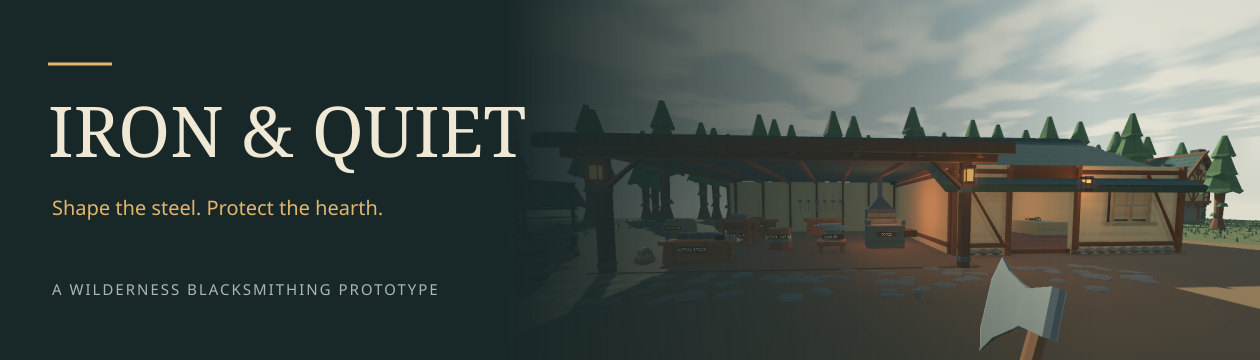
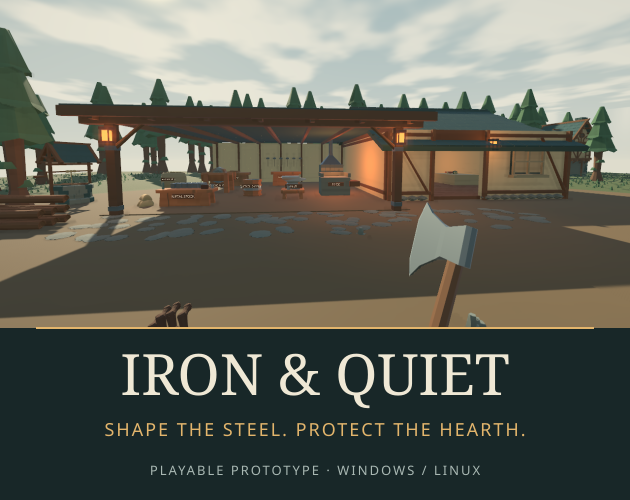
- A consistent low-poly art style with warm workshop light and changing day/night skies.
Quiet Workshop is on by default: take your time learning to forge, then ring the dusk bell when you are ready. Craft assistance and the in-game guide help you make your first weapon. Clearing the third wave concludes the current slice.
How to play
Use WASD and mouse to move and look, E to interact, left mouse to work or attack, and right mouse to guard. 1–5 select weapons and tools. B starts building, Tab opens the inventory, H opens the guide, and Esc opens settings. F5/F9 save and load. The download includes full controls and a first-spear guide.
Keyboard and mouse are required. Controller rumble is optional feedback; gamepad controls are not implemented. Adjust audio, camera motion and the Balanced/High/Cinematic graphics presets from the pause menu.
Download and run
Download the package for your operating system and extract the entire ZIP.
- Windows x64: run `IronQuiet.exe`.
- Linux x64: run `./Play.sh`. If necessary, run `chmod +x IronQuiet.x86_64 Play.sh` first.
- itch app: install the matching platform build and select Play Now.
Unity and a .NET SDK are not required. Saves are stored in your user profile, outside the installation folder. The included README lists save locations and troubleshooting steps.
This build needs a 64-bit desktop OS and hardware graphics drivers: Direct3D 11 on Windows (OpenGL fallback available), OpenGL 3.3+ on Linux. Minimum CPU/RAM/GPU requirements have not yet been established; start with Balanced graphics. Linux gameplay and the Windows binary under Wine have been checked. Native Windows hardware testing is still pending.
Prototype status
Version **0.1.0** is an in-development playable prototype. It contains the homestead and three-wave defense slice. The full campaign, laboratory, final boss, advanced construction and key remapping are future work. Fitting, hand animation and maintenance are simplified. Combat balance and wider hardware compatibility need player feedback.
If you find a bug, include your OS, version, what you were doing and the player log. Tell us what you expected to happen, especially when forging, saving or fighting.
Credits
Models include Kenney's Survival Kit 2.0 and Quaternius's Survival and Medieval Village packs, used under CC0 and adapted to the shared art style. The playable structures, forging geometry, character rigs and some scenery are generated in the project; sounds are synthesized. Noto fonts use the SIL Open Font License. Full third-party notices are included in both downloads.
Development and release copy have used AI assistance. The game does not call generative AI services during play.
Download
Install instructions
Download and run
Download the package for your operating system and extract the entire ZIP.
- Windows x64: run `IronQuiet.exe`.
- Linux x64: run `./Play.sh`. If necessary, run `chmod +x IronQuiet.x86_64 Play.sh` first.
- itch app: install the matching platform build and select Play Now.
Unity and a .NET SDK are not required. Saves are stored in your user profile, outside the installation folder. The included README lists save locations and troubleshooting steps.
This build needs a 64-bit desktop OS and hardware graphics drivers: Direct3D 11 on Windows (OpenGL fallback available), OpenGL 3.3+ on Linux. Minimum CPU/RAM/GPU requirements have not yet been established; start with Balanced graphics. Linux gameplay and the Windows binary under Wine have been checked. Native Windows hardware testing is still pending.
Leave a comment
Log in with itch.io to leave a comment.